
Free AI Photo Editor — Enhance Your Photos Online Instantly
No download required. Use AI technology online to intelligently repair, enhance, and remove backgrounds. Transform your photos effortlessly.
or drag & drop your image here
Supports PNG, JPG, JPEG, WEBP formats
Be specific about what you want to change in the image
Example Prompts:
Powerful AI Editing Features
Leverage cutting-edge AI technology to make your photos professional and stunning.
AI Image Enhancer
Boost clarity, color, and detail with one click. Intelligently optimize exposure, contrast, and saturation for more vivid and natural photos.
AI Background Remover
Precisely identify and remove image backgrounds, perfectly extracting portraits or products. Ideal for e-commerce, ID photos, social media, and more.
AI Object Remover
Easily erase tourists, clutter, watermarks, or any unwanted elements from your photos. Intelligently fill removed areas to keep the scene natural and harmonious.
AI Photo Restoration
Restore blurry, scratched old photos and recover precious memories. Intelligently denoise and enhance details to bring old photos back to life.
AI Photo Editing Examples
See the power of AI in action with these real editing examples.
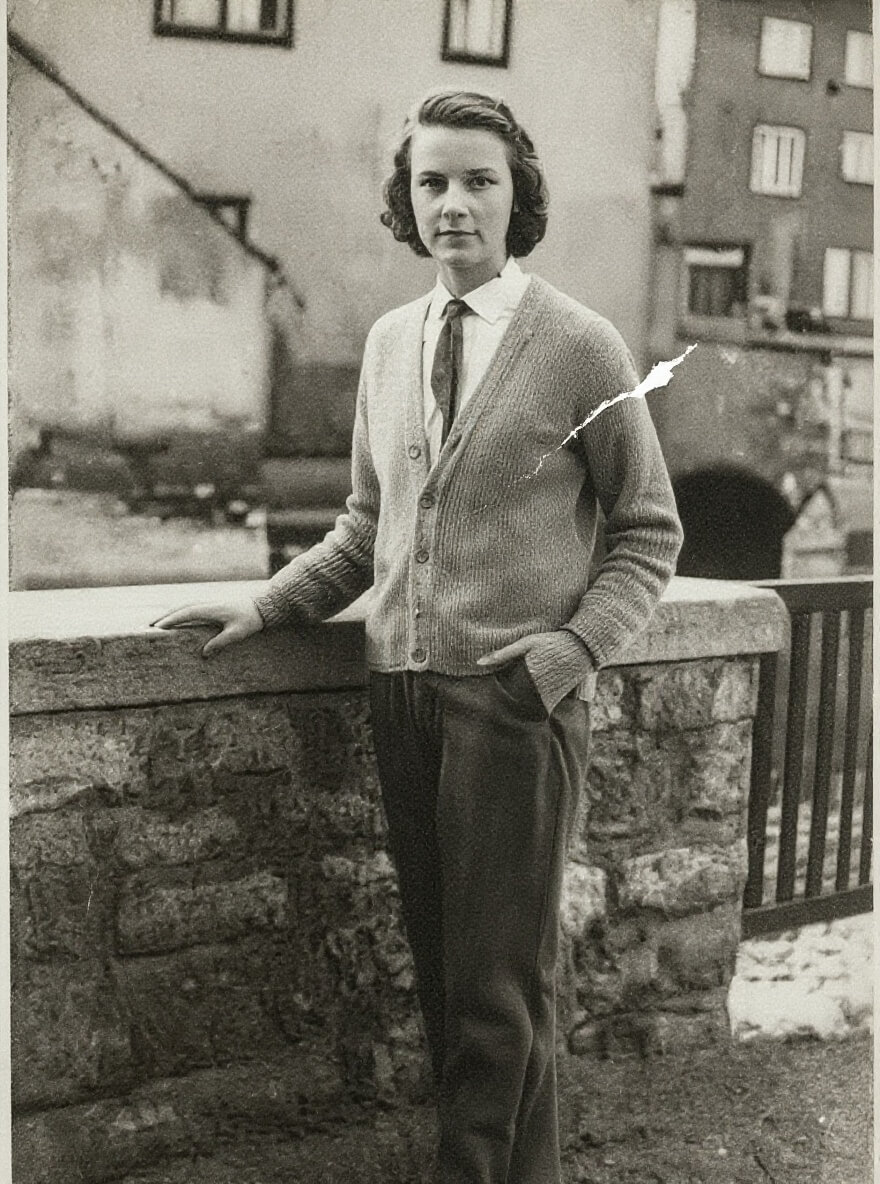
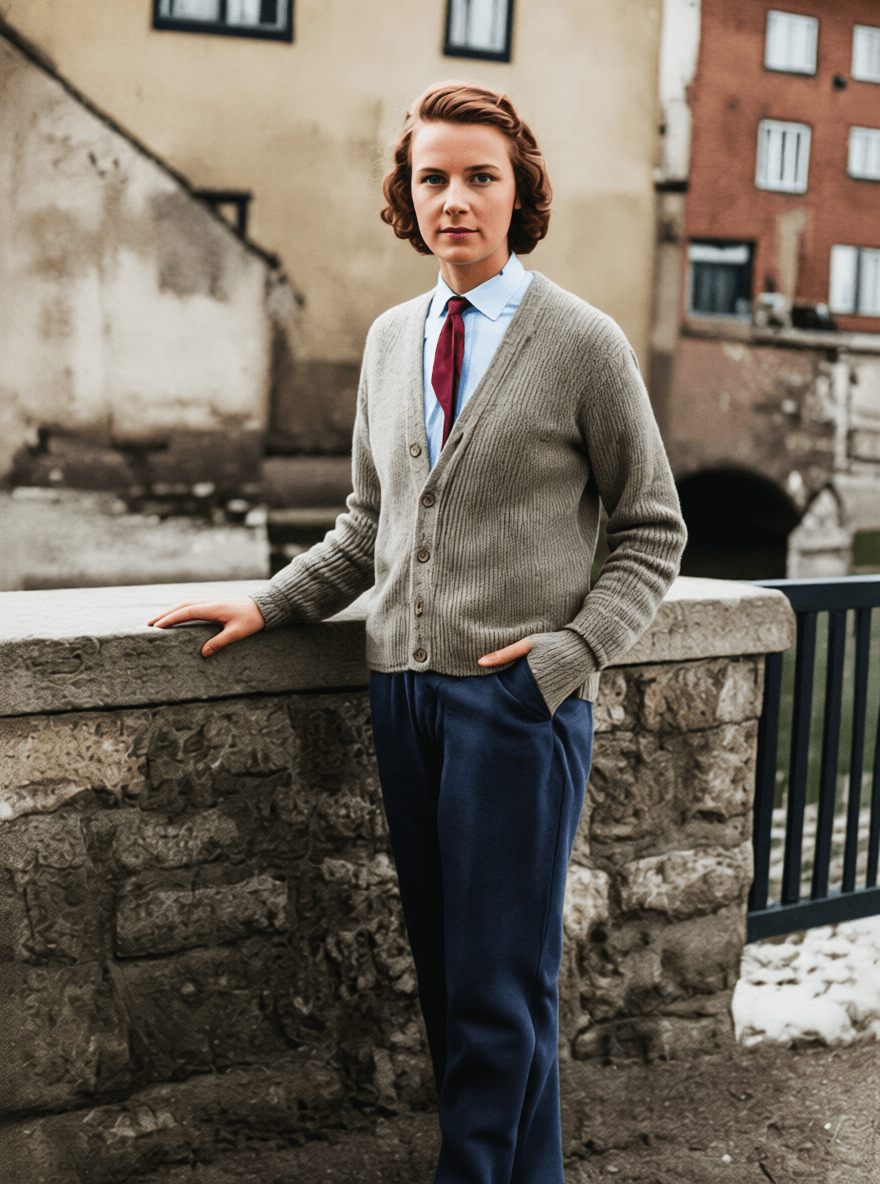
Edit Instructions
Restore and colorize this image. Remove any scratches or imperfections. Change to modern photo style, vibrant colors.
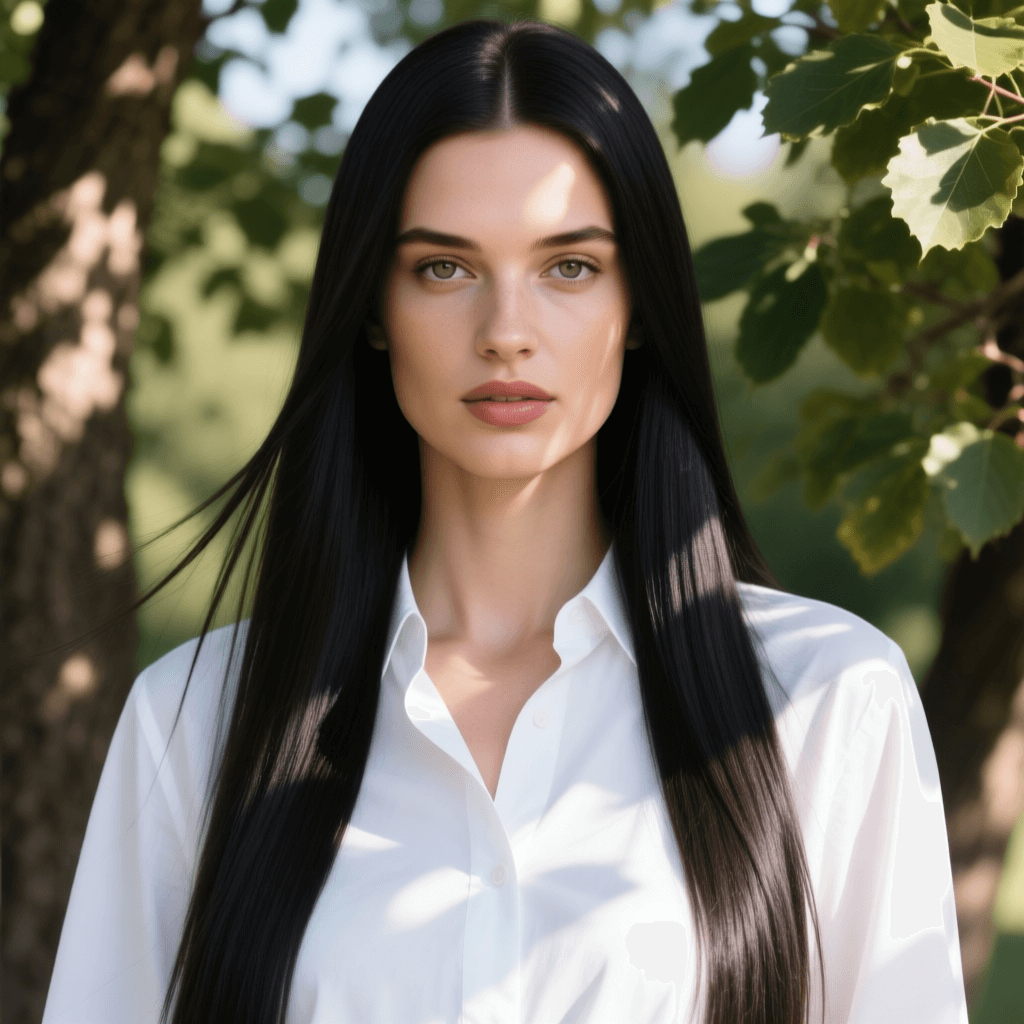
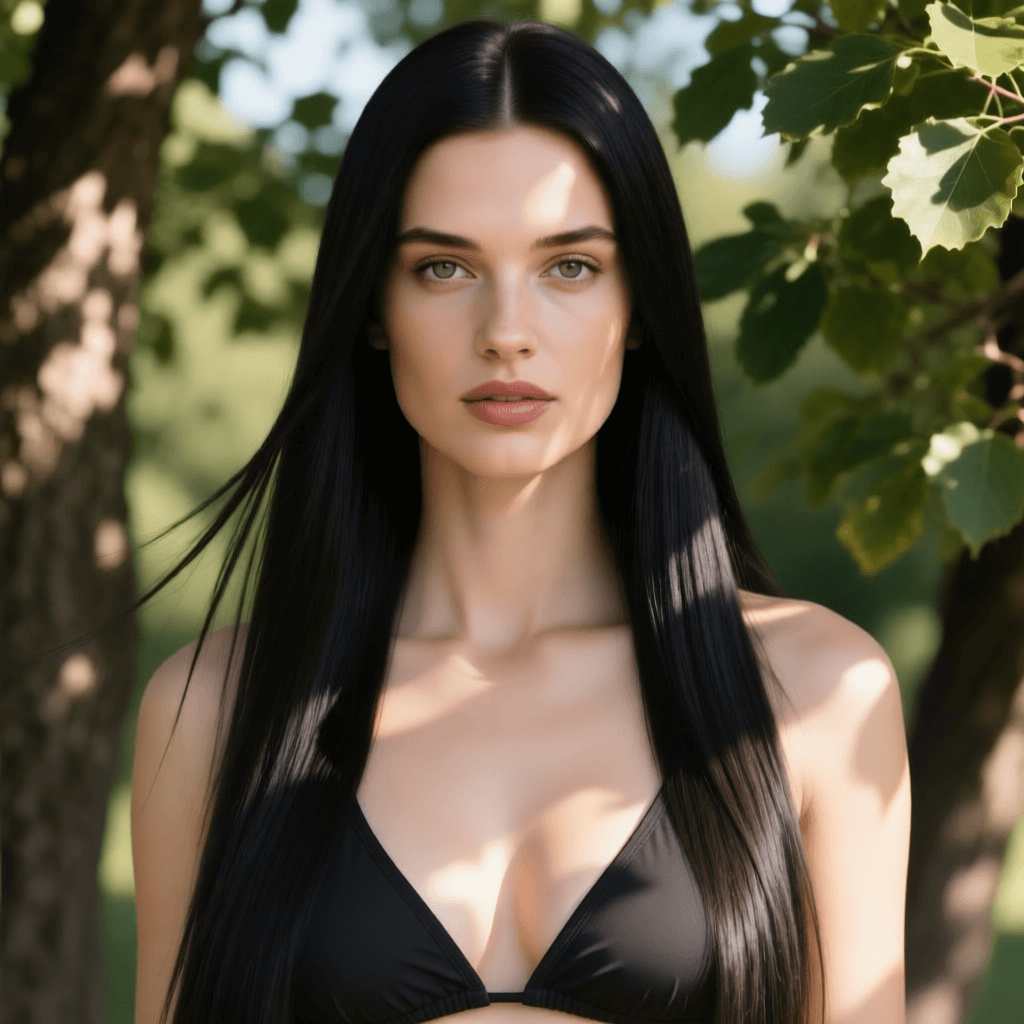
Edit Instructions
Replace clothes to a bikini.
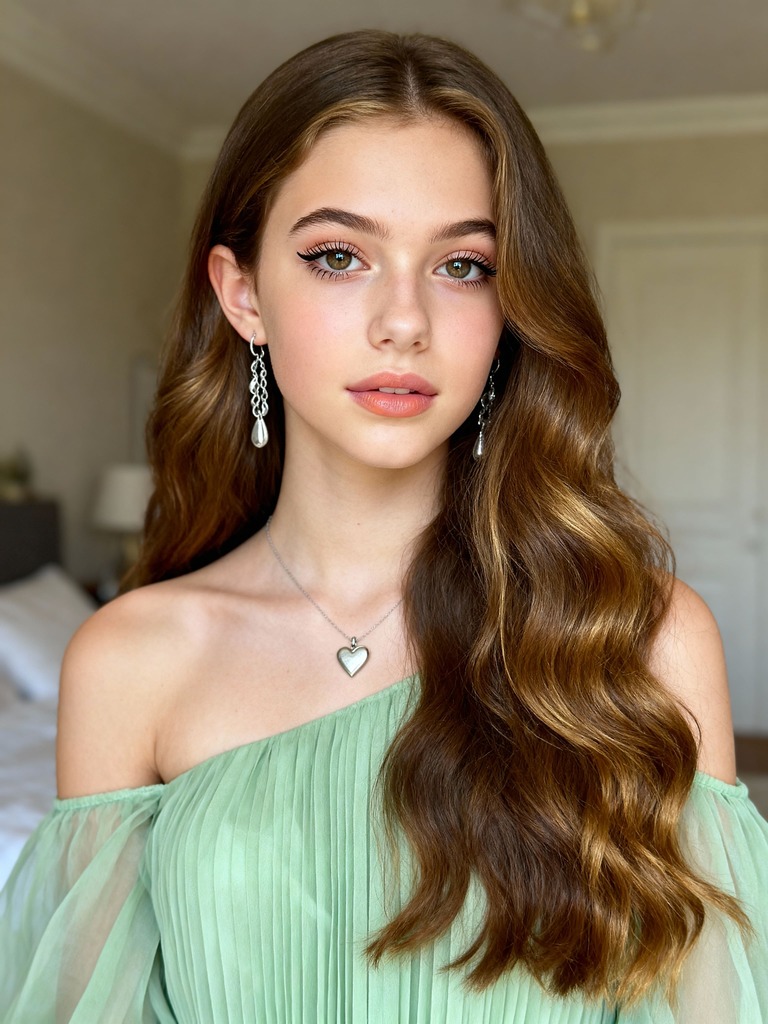
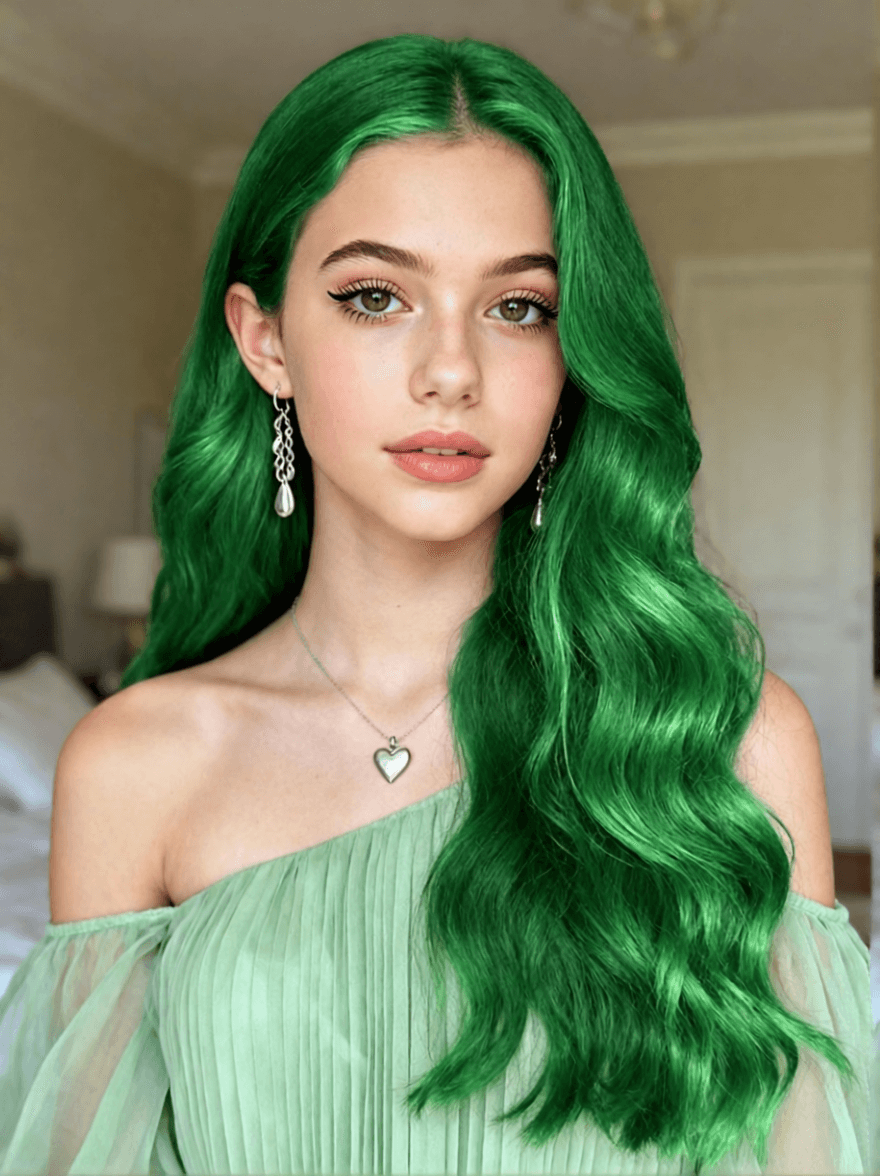
Edit Instructions
Replace the hair color to green.
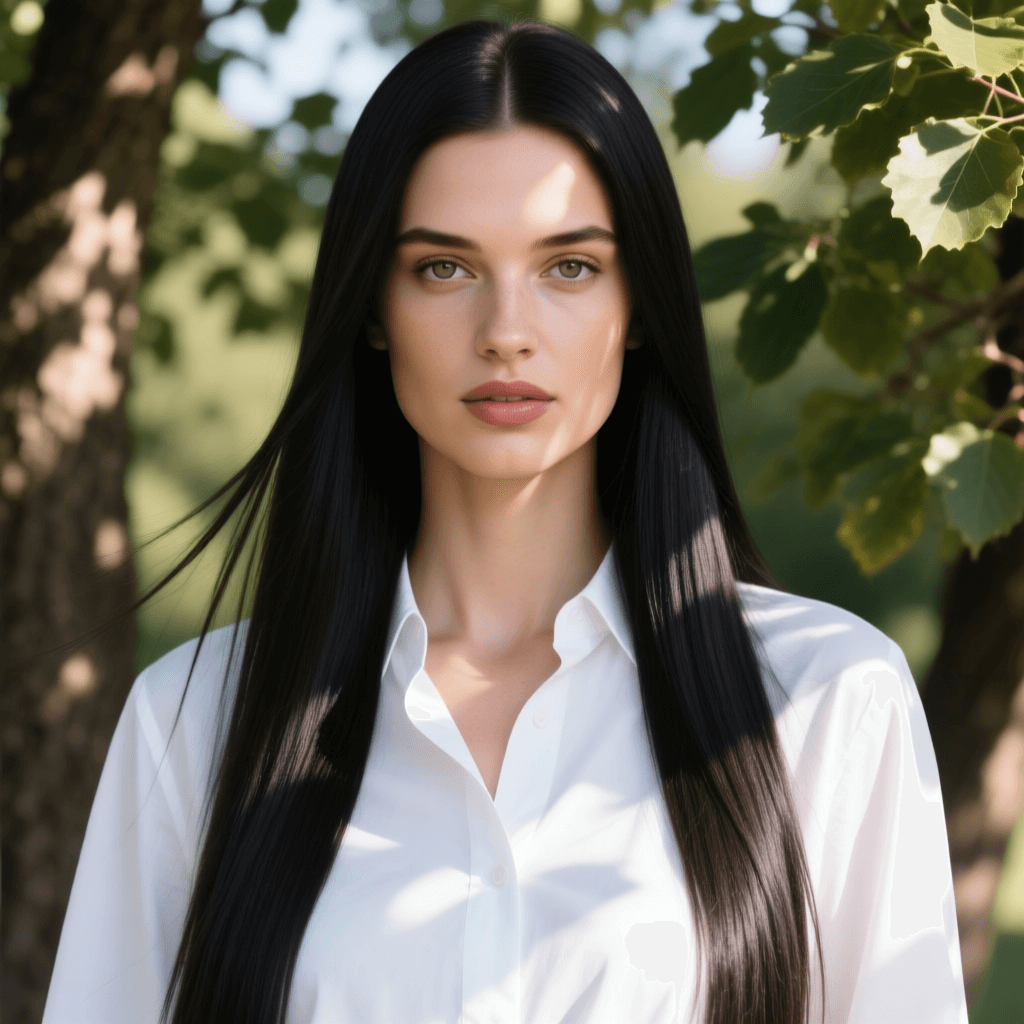
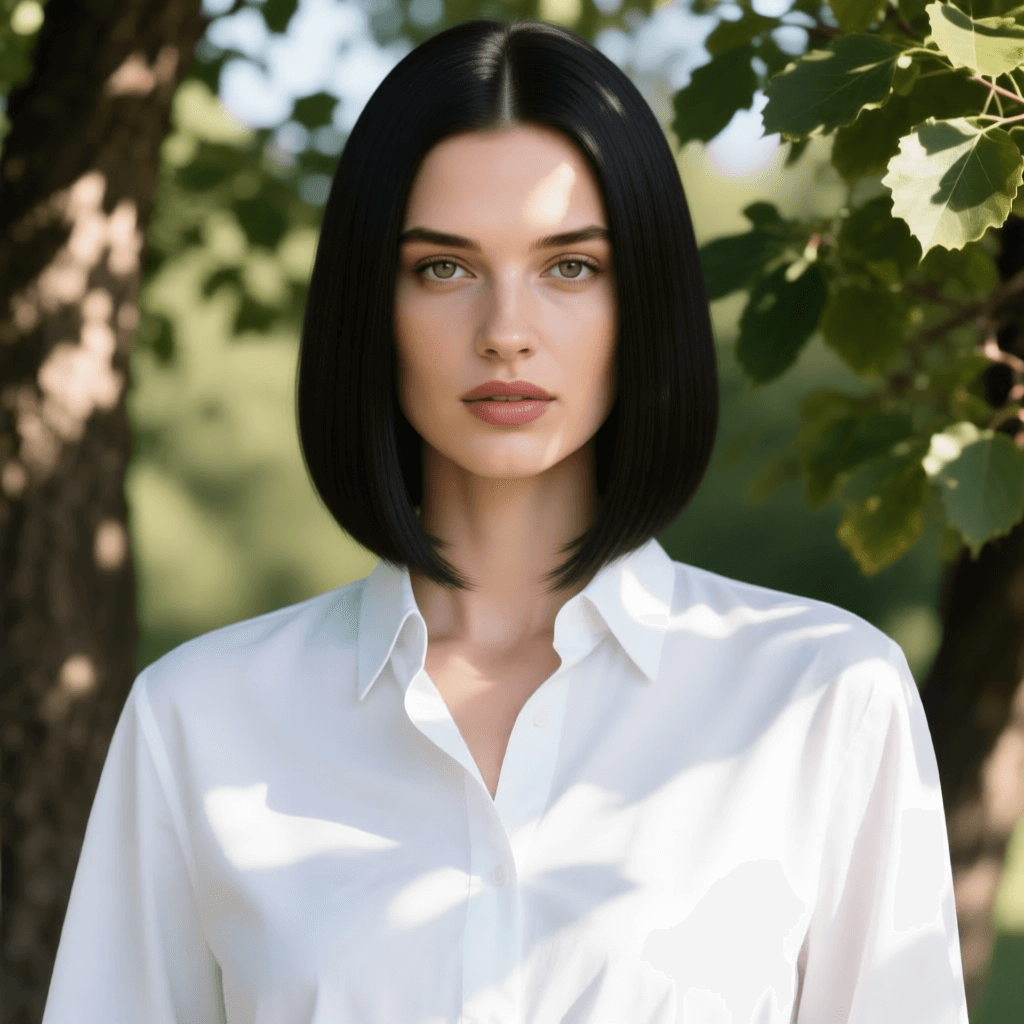
Edit Instructions
Replace the hairstyle to short neat bob.
Ready to transform your photos with AI?
Try It Now3 Steps to Professional Editing
Three simple steps to achieve stunning editing results.
Upload Photo
Click the button or drag your photo to the area above. Supports JPG, PNG, WEBP, and more.
Enter Editing Prompt
Describe your desired photo edits in the prompt field, such as 'remove background', 'change hair color to blonde', then click the Edit button to start processing.
Download Your Result
Preview the effect and download high-resolution images for free. Supports multiple export formats.
Perfect for Every Scenario
Whether you're a professional or casual user, find the right use case for you.
E-commerce Sellers
Quickly create pure white background product images to enhance product display and boost sales conversion rates.
Social Media Influencers
Enhance selfies and landscape photos, remove passersby and clutter, and create perfect social media content.
Marketing Professionals
Rapidly create background-free product assets for poster design, advertising campaigns, and marketing materials.
Everyday Users
Restore old family photos, create personalized avatars, beautify life photos, and capture beautiful moments.
Frequently Asked Questions
Common questions about our AI photo editor.
Yes, we offer a free version for your use. Free users have a daily editing quota. For more features and higher quotas, you can upgrade to the professional version.
We take your privacy very seriously. All images are automatically deleted after processing and will not be used for any other purpose or to train AI models. Transfers use TLS encryption to ensure data security.
We support common image formats including PNG, JPG, JPEG, WEBP, and more. Uploaded images should ideally be under 10MB for optimal processing speed.
No. Our AI editor preserves the original image's resolution and quality. For the 'Image Enhancement' feature, it can even improve clarity and detail.
Basic features can be used without registration. However, by registering an account, you can enjoy higher editing quotas, save editing history, and access more advanced features.
User Reviews
See what our users are saying.
"As an e-commerce seller, this tool saved me tons of time! The background removal is very accurate and the product images look professional."
"I used it to restore many old family photos, and the results are stunning! Simple to use, completely free, highly recommended!"
"As a designer, I often need to quickly process images. This AI editor is highly efficient and the quality is excellent."
Experience the Magic of AI Photo Editing Now
Free trial, no registration required. Transform your photos today.