
Free Background Removal - Remove Image Background Automatically
Upload your image, our AI will automatically identify and remove the background in 5 seconds. No manual operation required.
or drag & drop your image here (JPG, PNG, WEBP)
Supports JPG, PNG, WEBP formats
Why Choose Our AI Background Removal Tool?
Leverage cutting-edge AI technology for the most accurate and efficient background removal.
AI-Powered Precision
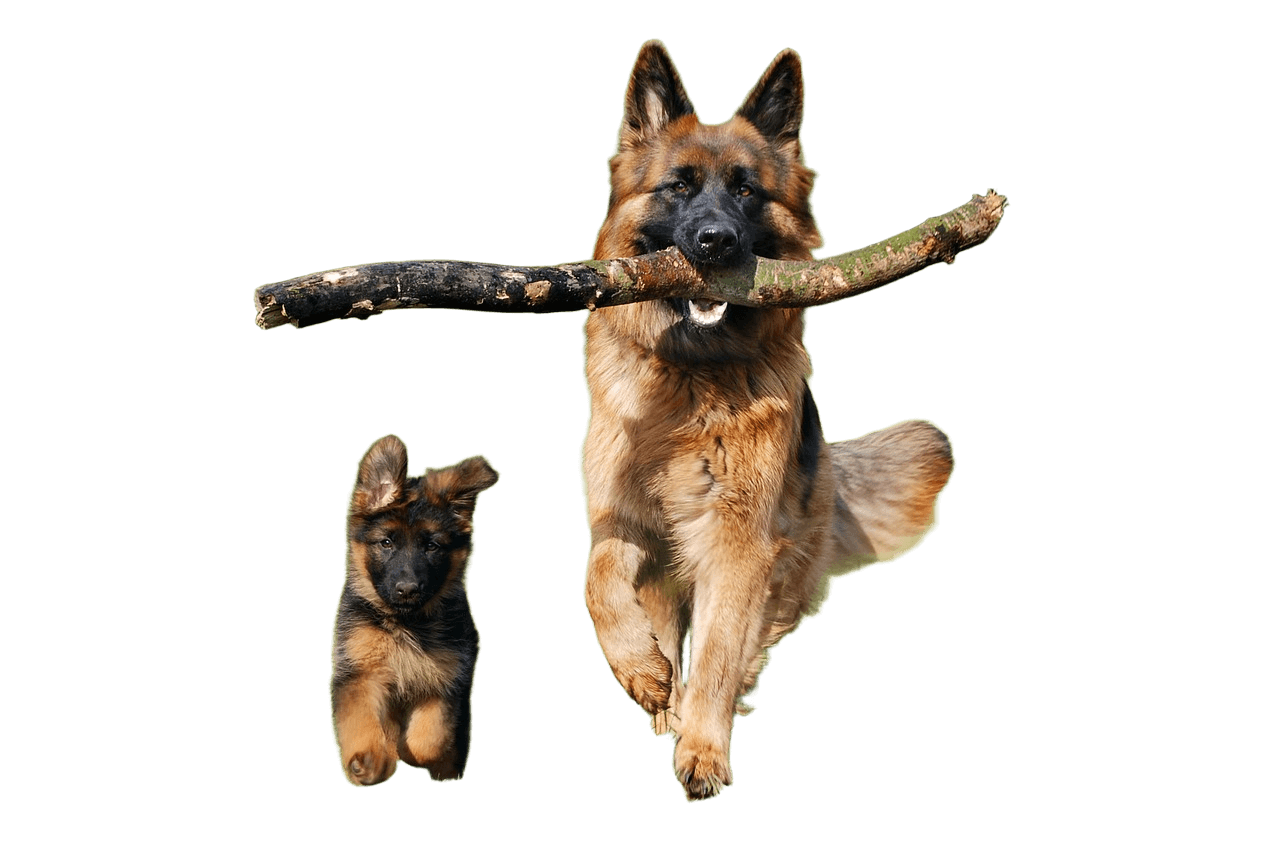
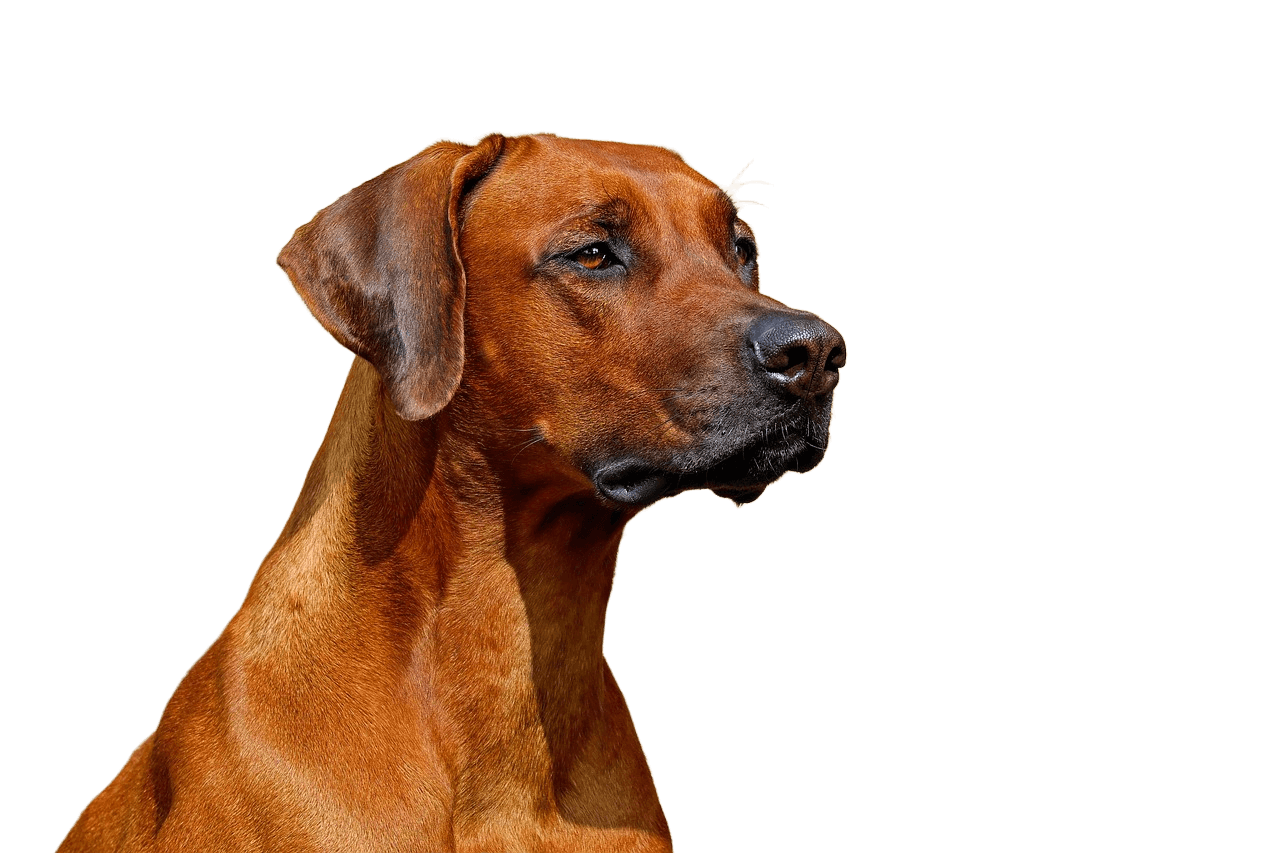
Handles tricky edges like hair, fur, and semi-transparent objects with exceptional accuracy. Perfect for complex subjects.
Lightning-Fast Speed
Average processing time is only 5 seconds. Get your transparent background image instantly without any waiting.
Optimized for Any Subject
Works perfectly with portraits, products, cars, animals, logos, and signatures. Versatile tool for all your needs.
High-Resolution Export
Download high-quality transparent PNG files up to 4K resolution. No quality loss, perfect for professional use.
See the Magic in Action
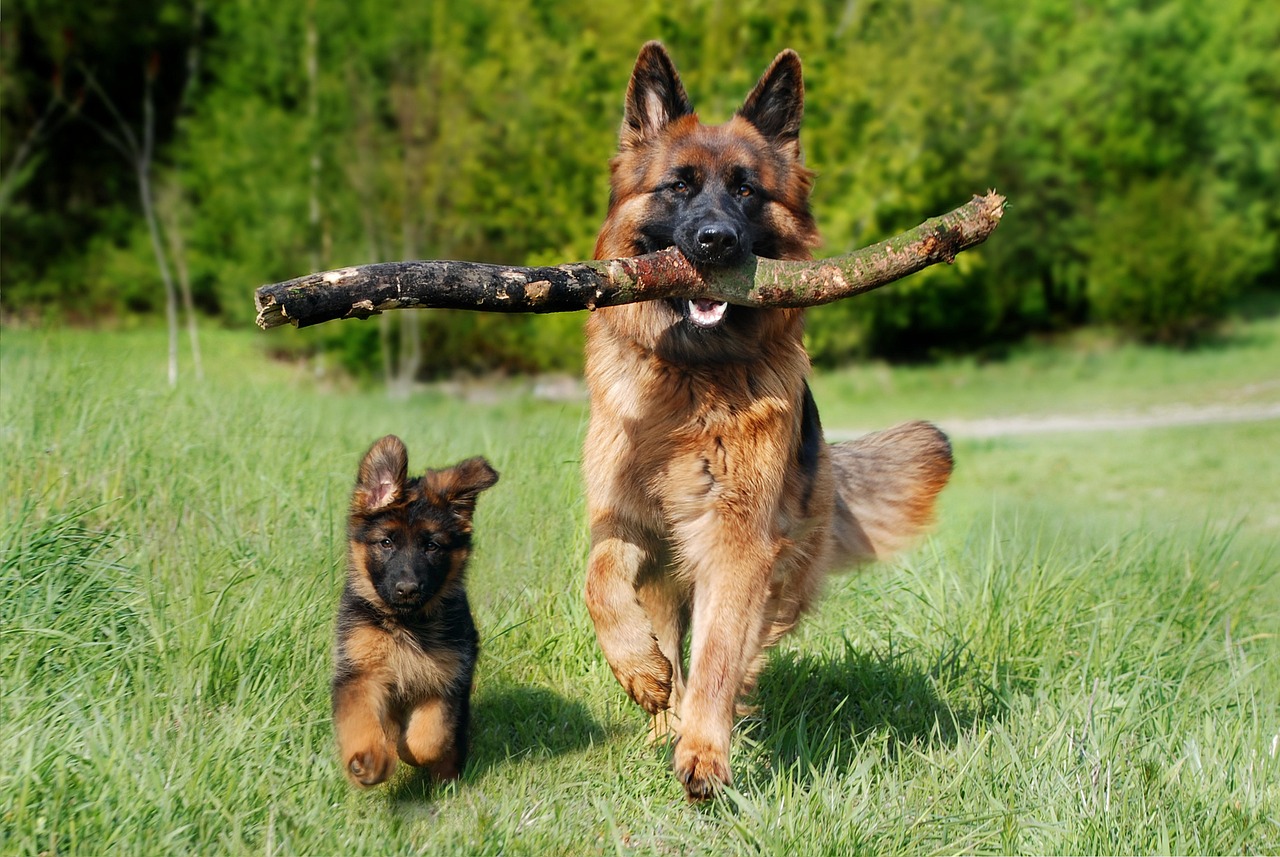
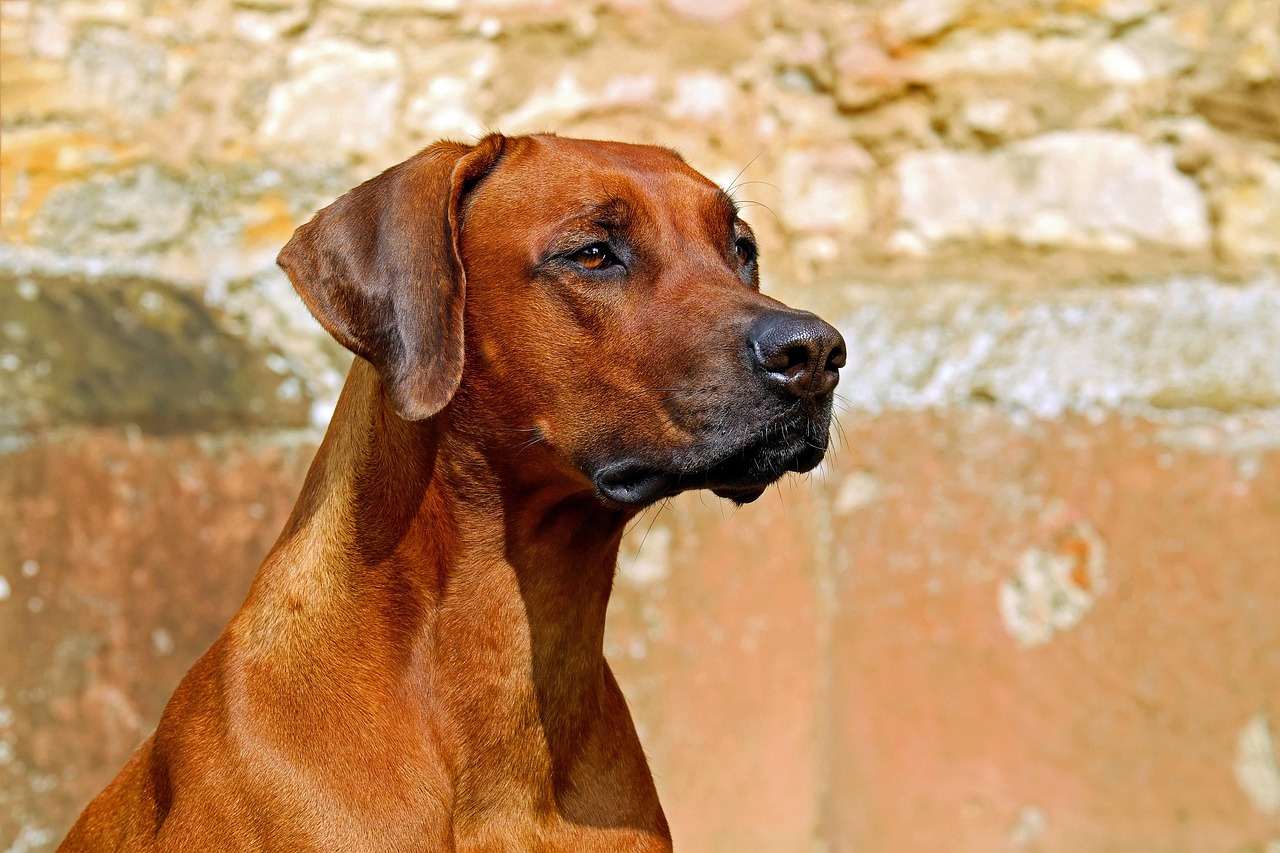
Our AI can perfectly remove backgrounds from complex images with flying hair, fluffy pets, and intricate details.


Real-World Results
See how our AI perfectly removes backgrounds from various types of images - from portraits to products.




Get a Perfect Cutout in Just 3 Steps
Remove backgrounds effortlessly with our simple three-step process.
Upload Image
Click the button or drag your JPG, PNG, or WEBP image to the upload area.
AI Processes Automatically
Our AI will complete all the work in seconds. Just wait a moment, no manual operation required.
Download Result
Preview the result and download your transparent PNG image, or add a new color background.
Designed for All Your Needs
From e-commerce to personal projects, find the perfect use case for our background removal tool.
E-commerce Sellers
Quickly create product images with white backgrounds that meet Amazon and Shopify requirements, boosting click-through rates.
Designers & Marketers
Rapidly extract people or products from images for posters, social media posts, and advertising materials.
Personal Use
Create personalized social media avatars, ID photos by changing background colors, fun stickers, or family composites.
Car Dealerships
Easily change professional backgrounds for car photos to create more attractive vehicle display images.
Perfect for various subjects:
Frequently Asked Questions
Common questions about our free background removal tool.
Yes, we offer a free version with daily usage limits. Free users can process a certain number of images per day. For unlimited usage and advanced features, you can upgrade to the professional version.
We take your privacy very seriously. All images are automatically deleted within 24 hours after processing. We do not use your images for training AI models or any other purposes. All transfers use TLS encryption to ensure data security.
Free users can download images up to 4K resolution (4096×4096 pixels). The output maintains the original image's resolution and quality, providing transparent PNG files suitable for professional use.
Free users have a daily quota of images they can process. This limit resets every 24 hours. If you need to process more images or require batch processing capabilities, please consider upgrading to our professional plan.
Yes! After removing the background, you can add solid color backgrounds or custom background images. You can also adjust the output image size and format. We continuously add new features to make your workflow more efficient.
Start Removing Backgrounds for Free Now
Upload an image and experience the AI magic. No registration required, completely free to try.